The only course you have is a SCORM zip. You can still review it.
The Storyline project is gone. The client still wants changes. A zipped SCORM package is enough to run a real review cycle - screen-level comments on the version learners actually see.

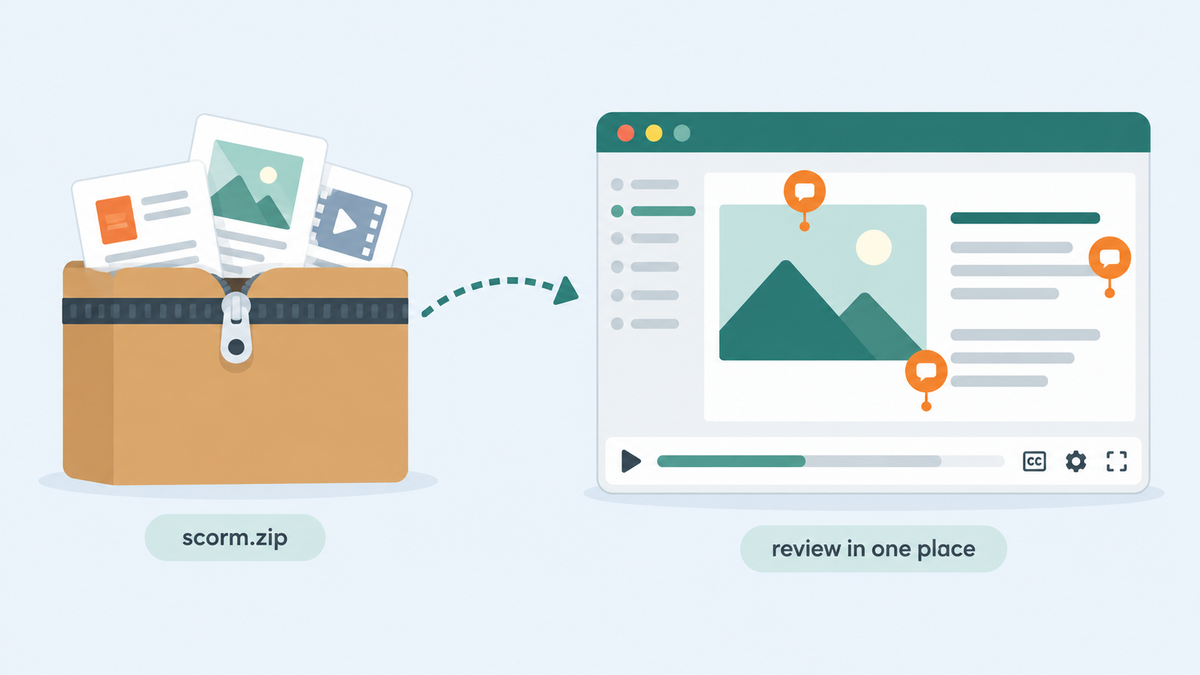
A client asks for a change to an old training course. They have the SCORM zip from the LMS but cannot find the Storyline project. Nobody wants to make edits blind, yet the team first needs stakeholders to walk through the version learners actually see and mark the problems.
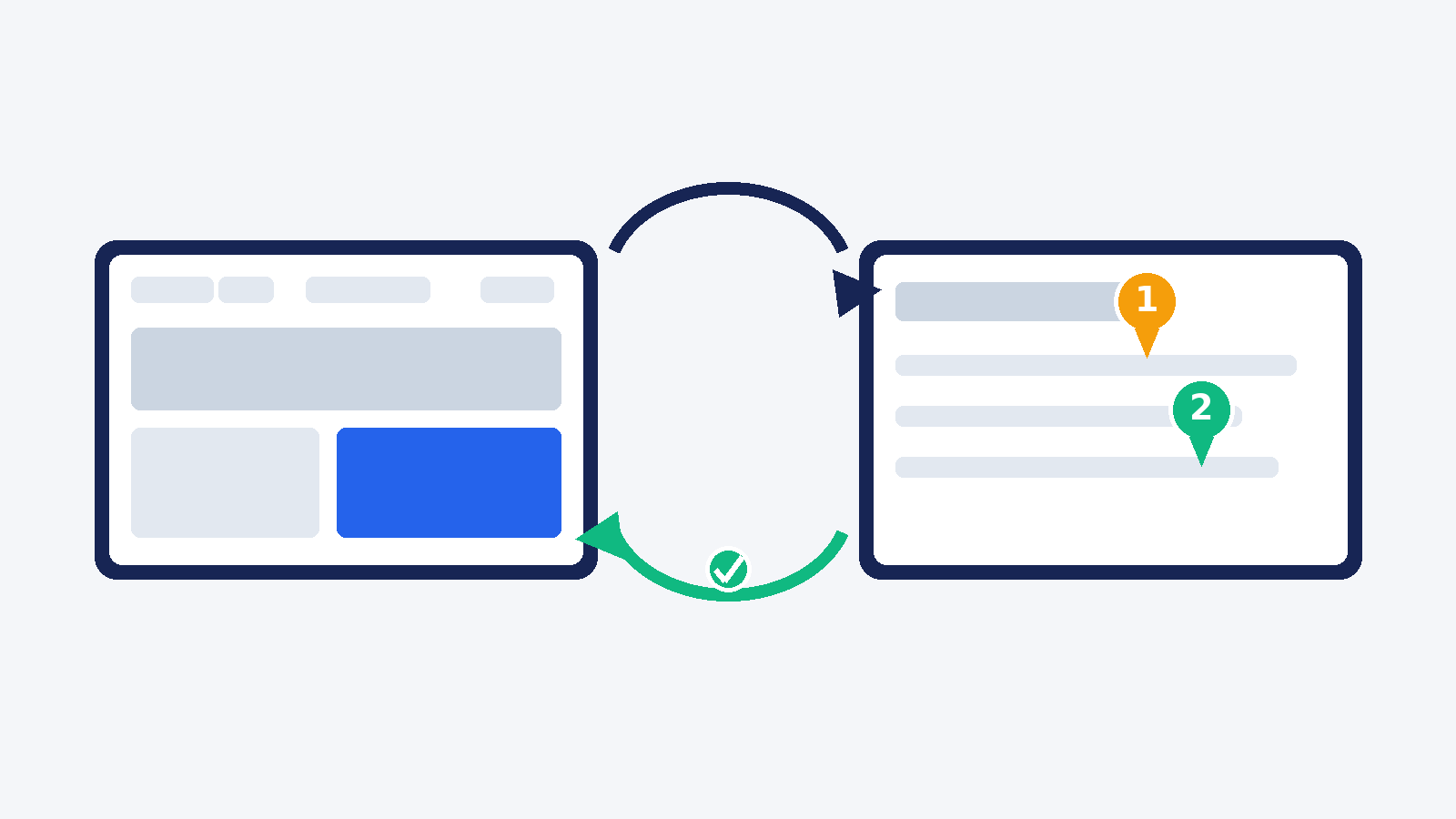
That is a review problem before it is a rebuild problem. The published package is not an editable project file, but it is enough to run a review cycle and collect precise feedback.
Start with the launchable output
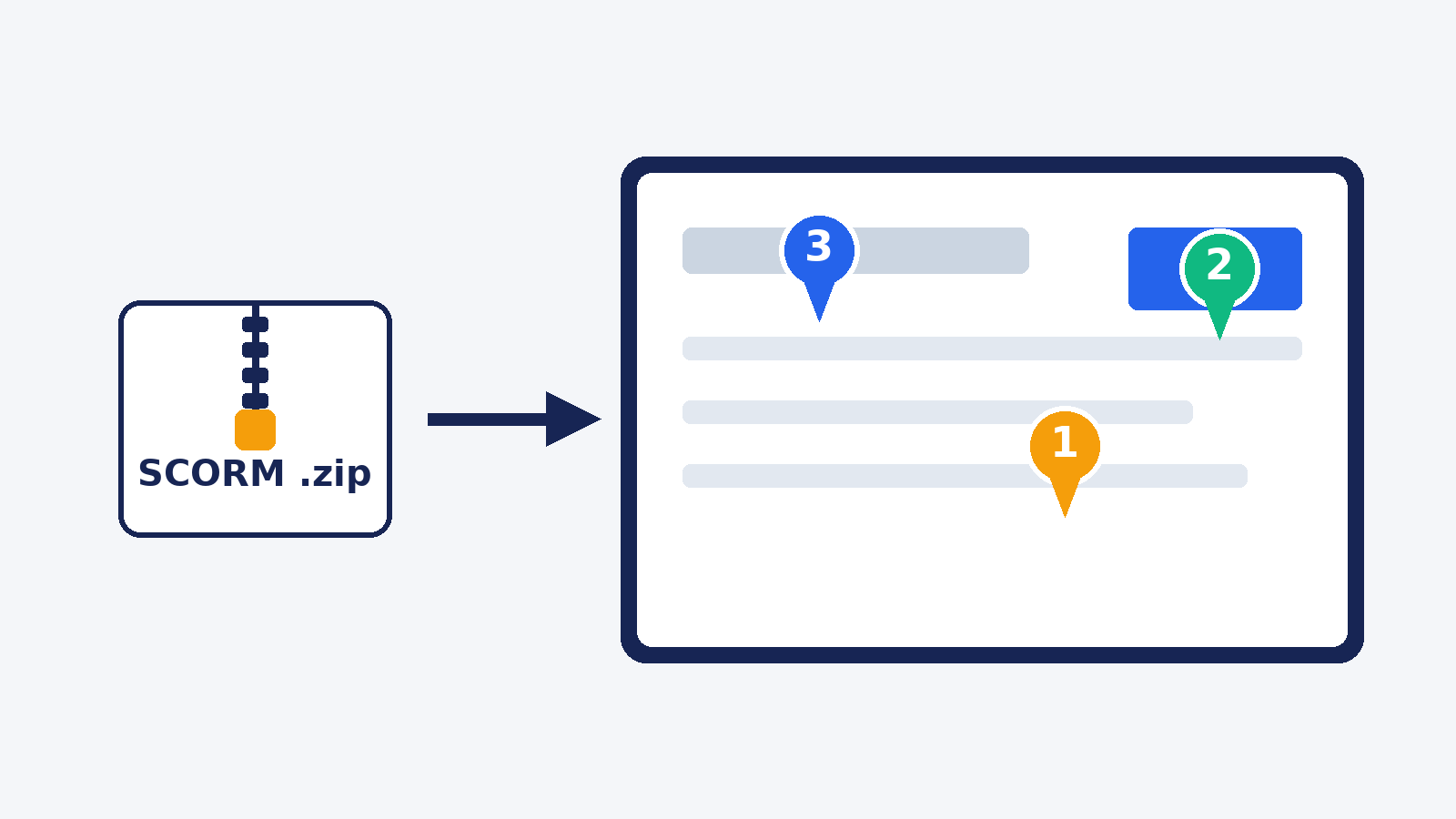
Review My eLearning accepts a zipped SCORM package for upload, in any SCORM version. A course owner or a user with uploader privileges drags the package in, waits a few minutes for processing, and invites reviewers to work through the course. The same approach can cover compatible launchable HTML5 output from a nontraditional builder, provided the package meets RME's entry-point requirements. A random folder, raw source project, or video is not automatically a reviewable course.
Have reviewers test the interactions rather than merely scan screenshots. Ask them to flag the screen and the behavior: "On the second attempt, Continue is disabled even after choosing the correct answer" is work a developer can reproduce. Split required content corrections from cosmetic preferences before anybody reconstructs the project.
Why this matters for Review 360 users
Articulate staff answered this exact case in 2021: a regular SCORM 1.2 zip could not be manually uploaded to Review 360, so you publish from an Articulate 360 app instead. Community members confirmed the same in August 2026 - you cannot attach a SCORM zip to Review 360. That distinction matters when a team has the published export but not the source project. It is not a claim that Review 360 cannot review Articulate courses; that is its normal path.
Nor is this an exclusive RME capability. zipBoard also documents uploading SCORM and HTML content for review. The choice is about the review workflow you need, not who can use the word "SCORM" on a features page.
For a repeatable pipeline, RME also documents a Course Ingest API. Manual upload is enough for a single inherited course; an automated build can use the API and keep review attached to successive versions. Either way, make sure the package launches and that screen context works before you send the link to a client.
Build in anything. Review in one place. More importantly, do not let a missing authoring project stop you from learning what needs to change.
Inherited a course with no project file? Upload the zip, invite your reviewers, and start a free trial - no credit card required.