Build it in Xogogy, review it in RME: the round trip, built in
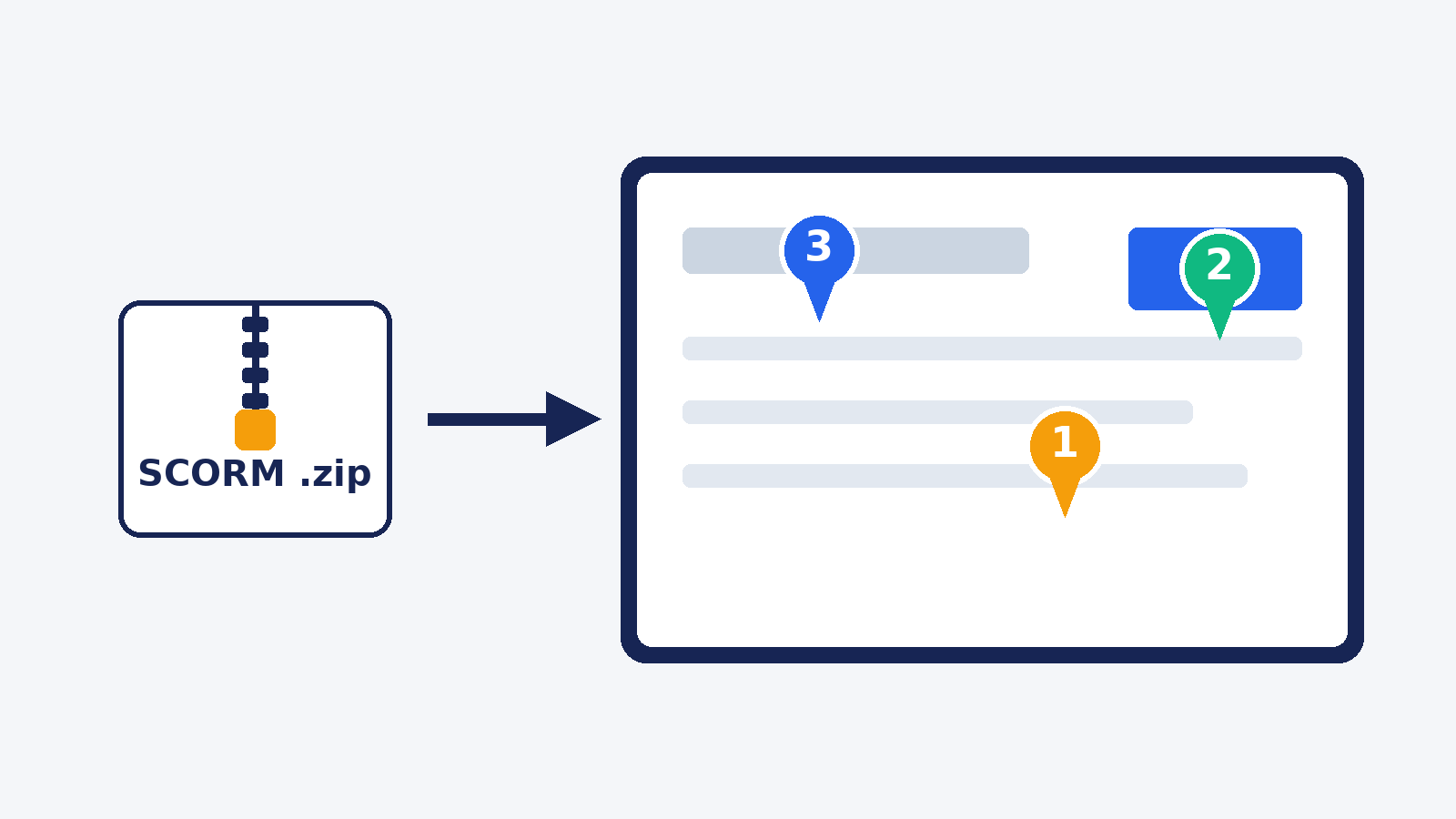
Xogogy publishes straight to Review My eLearning from its Publish dialog, and reviewer comments come back into Xogogy, grouped by slide. Here is how the round trip works.

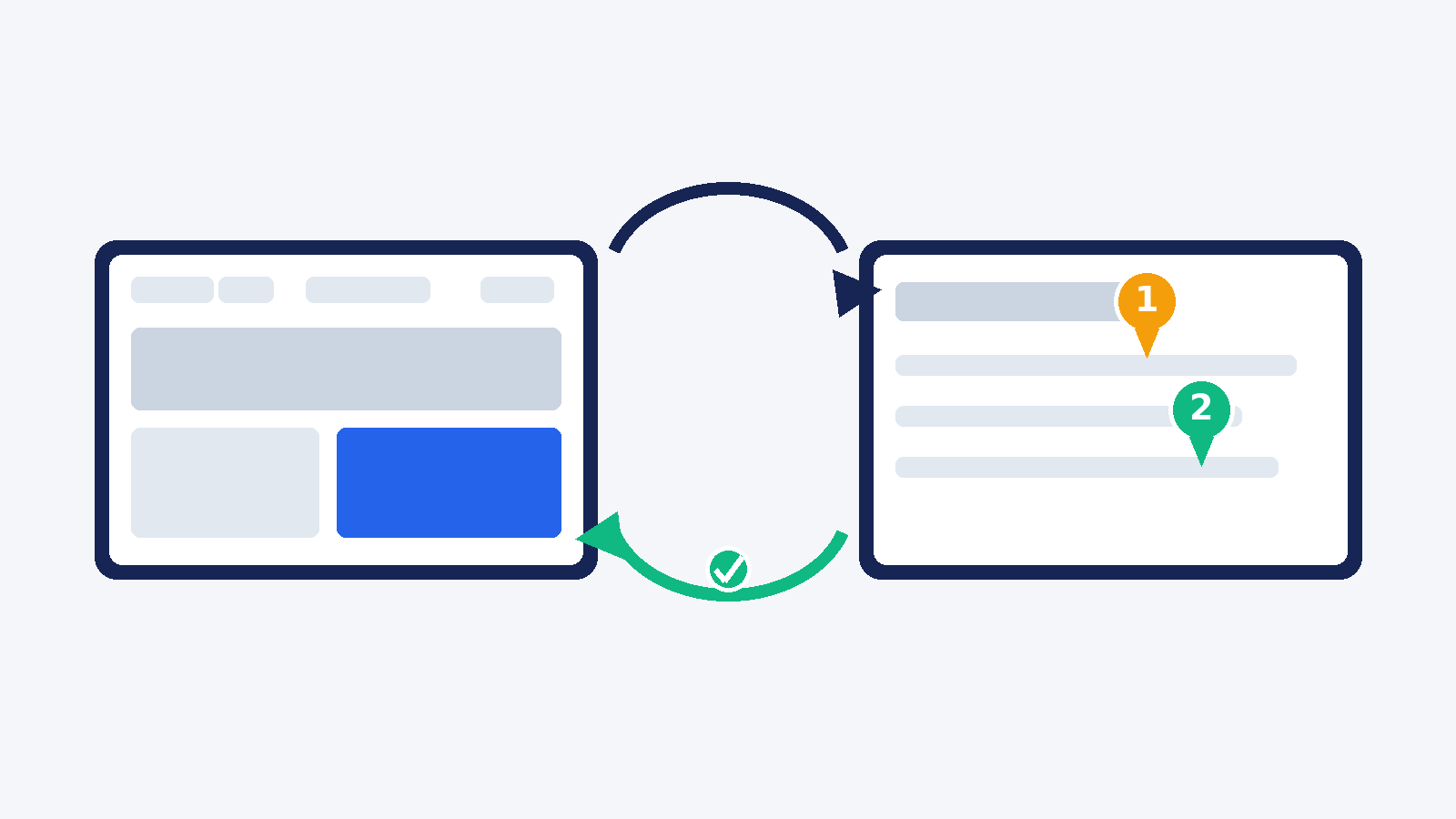
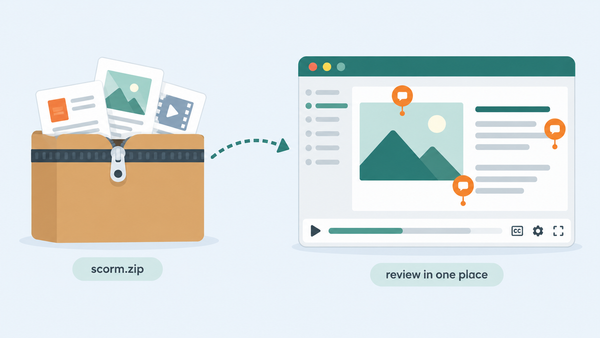
The usual way to get a course reviewed: export a package, upload it somewhere, wait, then read the feedback anywhere except where you need it. An email. A spreadsheet. A doc full of screenshots. The fix happens in your authoring tool, but the comments live everywhere except next to the slide they are about.
If you build your courses in Xogogy, that round trip is built in. Xogogy publishes straight to Review My eLearning from its Publish dialog, and the comments come back into Xogogy, grouped by slide, next to the thing you need to change.
Publish for review from the Publish dialog
- In Xogogy's Publish dialog, under "Where is it going?", choose ReviewMyElearning.
- Paste your Review My eLearning API key once and save it. The key needs the Upload courses (courses.write) permission. It stays in your computer's credential store - it is never written into the project, the package, or any log.
- Choose Publish to ReviewMyElearning. Xogogy builds and checks the package, uploads it, and waits while Review My eLearning processes the course.
- When it is ready, the dialog shows the course's review link. Share it with your reviewers.
Nothing is sent until you choose Publish to ReviewMyElearning. Your reviewers open the link, play the course, and comment on the exact screen they are looking at. Reviewers are always free. The Xogogy help article has the click-by-click version. Under the hood this is the same Course Ingest API any authoring tool can use.
Publish again and it is a new round, not a new course
The first publish creates the course in Review My eLearning. Every publish after that adds a new review cycle to the same course, so version one's conversation stays put while version two collects fresh comments. There is no course to pick and no duplicate to clean up.
The comments come back to where you fix them
When your reviewers are done, choose File > Review comments... in Xogogy and Fetch comments. The comments come back grouped by slide, with their tags, approvals and replies. A comment written by an AI reviewer is marked as one. Work through the list: go to the slide, make the change, then mark the comment done or reply to it, all inside Xogogy. A comment that does not match a slide stays in the list under Other, so nothing gets lost. Reading and marking comments never changes your course - only your own edits do. The help article on reading comments covers the details.
What you need
- Xogogy: a one-time $399 licence for Windows and Mac (Apple silicon). Building, importing and previewing are free, with no card and no trial clock. Publishing - to Review My eLearning or to a package - needs the licence.
- Review My eLearning: a free 14-day trial, no credit card required. Reviewers never pay.
Both tools are built by the same small team at GForce Learning, which is why this works like one workflow instead of an export and an upload. If your courses live in Xogogy, start a free Review My eLearning trial and publish your next review round straight from the Publish dialog.