AI course reviewers: what they catch, what they miss, and how to use one
An AI course reviewer is a first pass, not a verdict. What it is good at, what it can't judge, and how to add one to your review process.

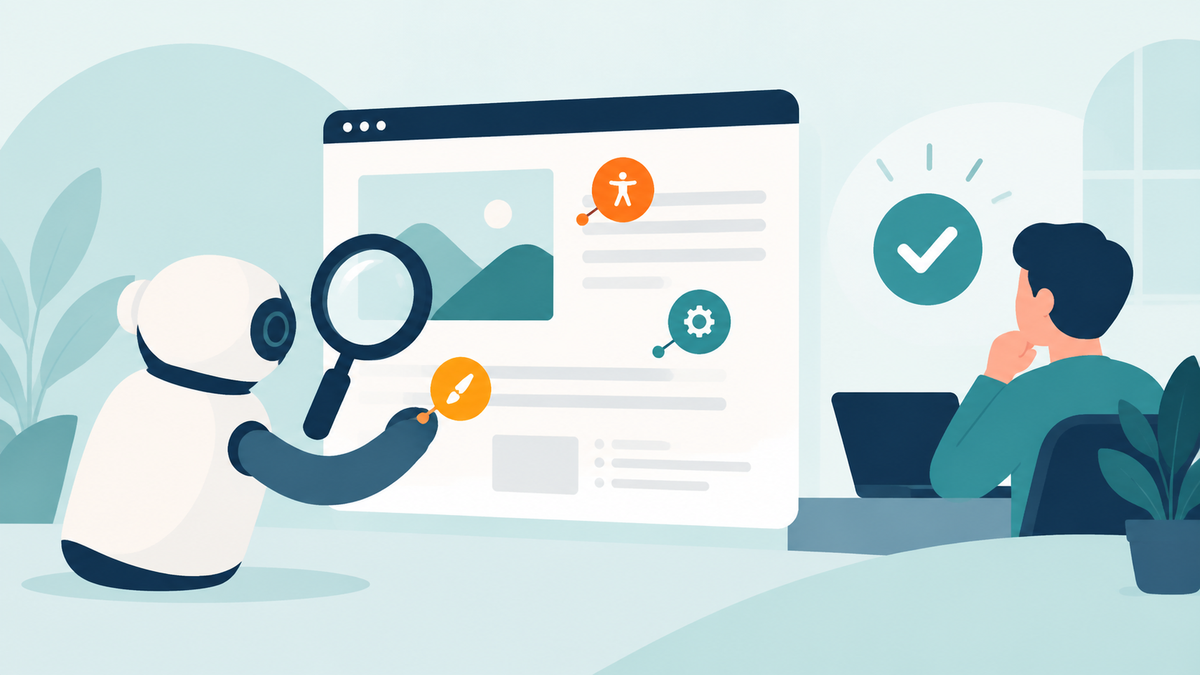
You finish a course. Before it goes to your SME, someone has to catch the boring stuff: a low-contrast text box, a button that is not keyboard reachable, a slide that breaks the layout of the other forty. A human reviewer who spends their attention on those has less left for the thing only they can judge, which is whether the content is right.
That is the job of an AI course reviewer. It is a first pass, not a verdict. Here is what the category does, what to ask of it, and how Review My eLearning handles it.
What an AI reviewer is good for
Three kinds of problems are well suited to a machine read of a finished course:
- Accessibility. The WCAG-shaped issues a person misses at 4pm: contrast, text alternatives, structure, reachability.
- UX. Navigation, clarity, and usability. Is it obvious what to click next? Does the screen say what it wants from the learner?
- Design. Visual consistency and craft: spacing, alignment, fonts and colours that drift from slide to slide.
These checks are repetitive and tedious for people, which is why they get skipped when a deadline is close.
What it is not for
An AI reviewer does not know whether your compliance content is correct, whether the scenario matches how your people really work, or whether the client will like it. That still needs your SME and your stakeholders. Treat an AI review as the pass that clears the easy findings so the humans can spend their time on the hard ones. If a tool promises to replace your reviewers, be skeptical.
Questions to ask any AI review tool
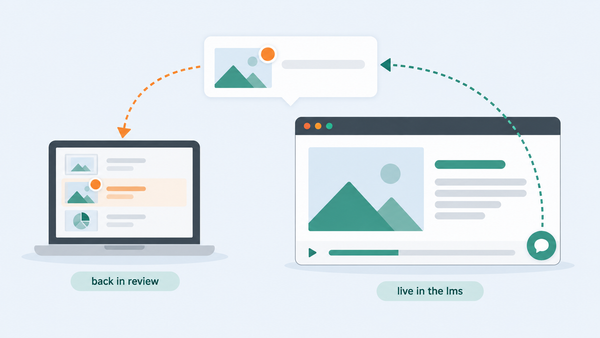
- Where do the findings land? A report you read in a separate tab is one more thing to reconcile. Findings that appear as comments on the exact screen are easy to act on.
- Do they fit your workflow? You want to assign, resolve, and export an AI comment the same way you do a human one.
- What does it work on? A tool tied to one authoring tool is a problem if your team uses several, or if some courses are built with AI assistants.
- How honest is it about limits? Check whether it says what it cannot judge.
How Review My eLearning does it
On a course's details page, open Current Reviewers and choose Add AI Reviewers, pick the ones you want, and add them. Review My eLearning processes the course for a few minutes and notifies you when it is done. Our knowledge base walks through the steps.
The AI reviewers cover accessibility, UX, and design. Their findings arrive as ordinary comments on the right screens, with the same statuses, assignments, and exports as feedback from people. They are available on every plan, and they are in beta, so expect them to keep improving.
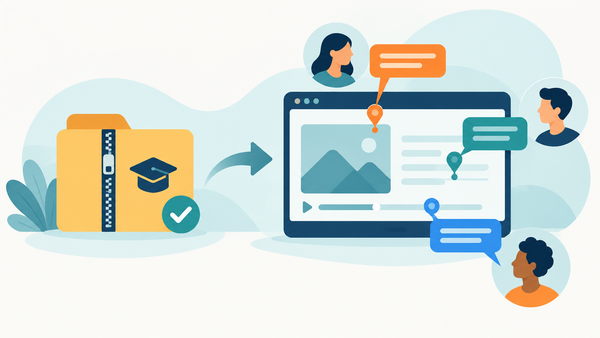
You can also ask for an AI review from an AI assistant. If you use Claude or another assistant that supports MCP, you can upload a course and request a review in one sentence. The MCP setup guide has the details.
A good order for review
- Upload the course.
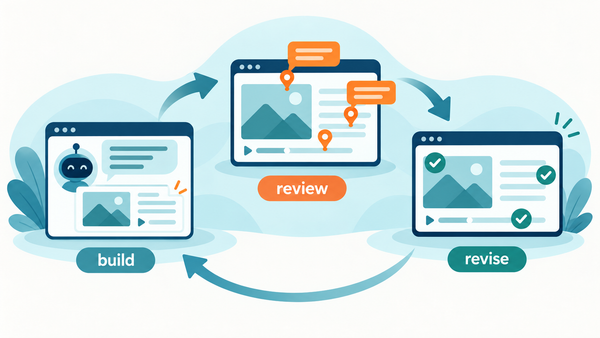
- Run the AI reviewers and clear the easy findings.
- Send the cleaner version to your SME and stakeholders with one specific question.
Your human reviewers then see fewer typos and contrast problems, and more of their time goes to the questions only they can answer. For more on that second step, see why SMEs go quiet and what to do about it.
Start a free 14-day trial, add an AI reviewer to your first course, and see what it finds. No credit card required.