Your AI assistant built the course. Let it read the review comments.
The build is fast. The handoff is slow. RME's built-in MCP server lets Claude, ChatGPT and other assistants read the actual review record - unresolved comments, owners, courses - and upload the next version. Human sign-off stays human.

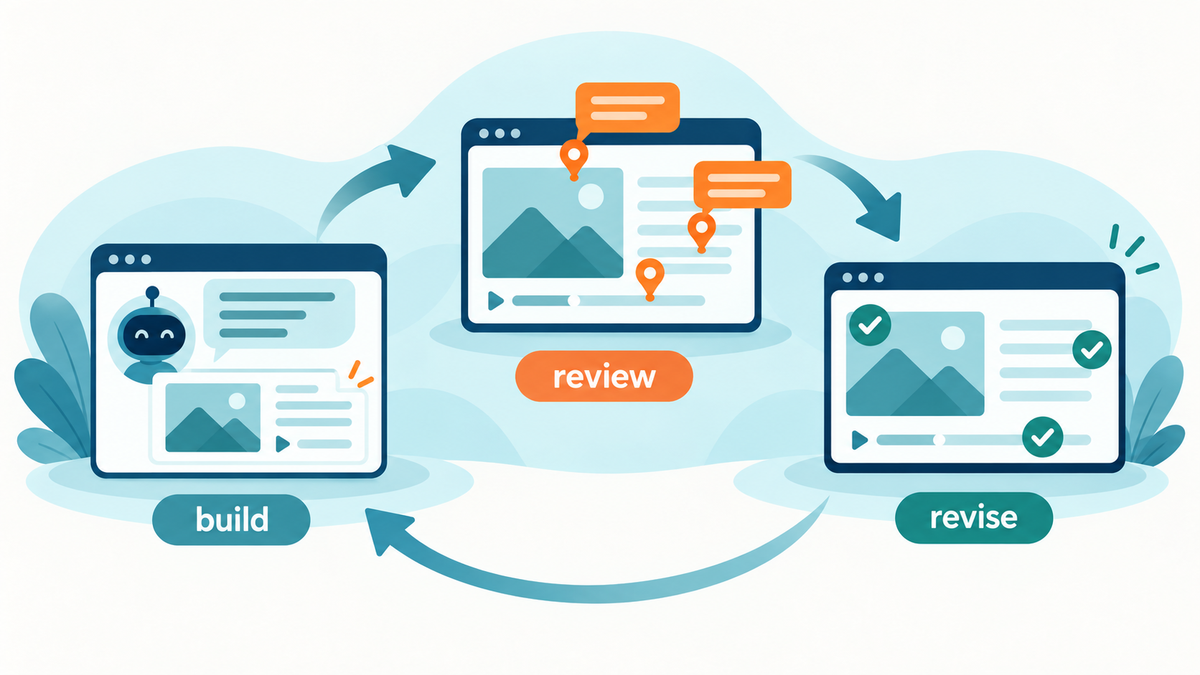
A developer asks an AI assistant to build a short compliance course. The first build takes an afternoon. Then the SMEs leave 26 comments across several screens. The developer spends the next morning copying those comments back into the AI chat, one by one, with screenshots and guesses about what each note refers to. The build is fast. The handoff is slow.
We have written about reviewing courses built with Claude, Codex, or Lovable before. The useful question is not "Can AI make a course?" It is whether the person making the next revision can see the actual review record. That record includes unresolved comments, who owns them, and which course they belong to. A copied summary can omit the one safety correction that matters.
Connect the assistant to the review record
Review My eLearning has a built-in MCP server for the assistants that support it - Claude, ChatGPT, and others. After a user connects and approves access, an assistant can list courses, search comments by status or other filters, and summarize the open work. A prompt like "Show me unresolved comments on Safety Training and group them by screen" starts from the comments in RME rather than a manually maintained spreadsheet.
With separate upload permission, a capable client can also send a launchable SCORM or HTML5 zip into RME. It can request beta AI reviews on upload or ask for one later. The new course processes asynchronously, so wait for it to become available before sending stakeholders a review link. If the assistant is also building the course, have it read RME's packaging guide before it generates the screens; consistent screen structure makes contextual comments easier to track.
Keep human judgment in the loop
The assistant can prepare a fix list. It cannot decide that a compliance statement is correct, that a learner has understood the material, or that a client has approved a release. Ask it to preserve the original comment references, separate content changes from UX bugs, and identify anything it could not interpret. Have the SME review the actual next version.
The permission boundary matters too. Reading comments and uploading courses use different scopes. RME's MCP tools do not currently provide a general "resolve this comment" button: comment status changes and replies are REST API operations for a client that can make HTTP calls and has write permission. Do not confuse a proposed fix with a closed issue.
zipBoard offers an API for custom integrations. This is not an argument that RME invented programmatic access to review. The practical angle is the ready-made MCP route from an assistant to course comments and uploads, with user approval rather than a copy-and-paste relay.
If the assistant helped make version one, it should be able to hear what the reviewers said before it attempts version two. The review record, not the prompt history, is the source of truth.
If an assistant helps build your courses, connect it to the review record: the MCP setup guide takes a few minutes, and a free 14-day trial needs no credit card. Let it read the comments before it writes version two.