ReviewMyElearning Blog
  • Home
  • About
Sign in Subscribe
articles

A Summary of Various Roles


James Kingsley

James Kingsley

27 Aug 2018 — 1 min read
A Summary of Various Roles

This chart is a great way to see everyones role, in one document, in all of their glory!

Privileges by Role – Chart _ Review My Elearning
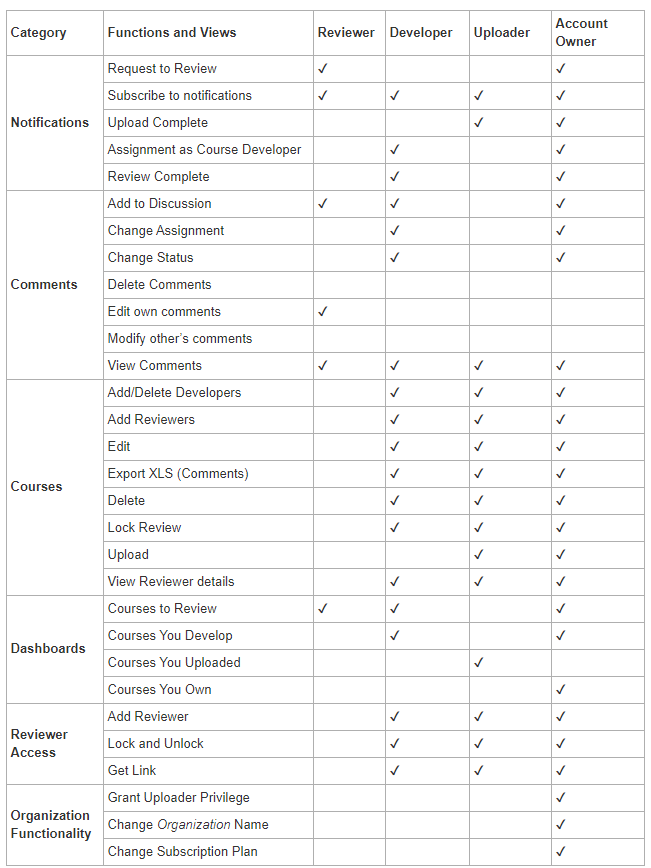
Here’s the link to the actual page in Support if you would like to save it. 

https://support.reviewmyelearning.com/support/solutions/articles/5000551593-privileges-by-role-chart
Read more

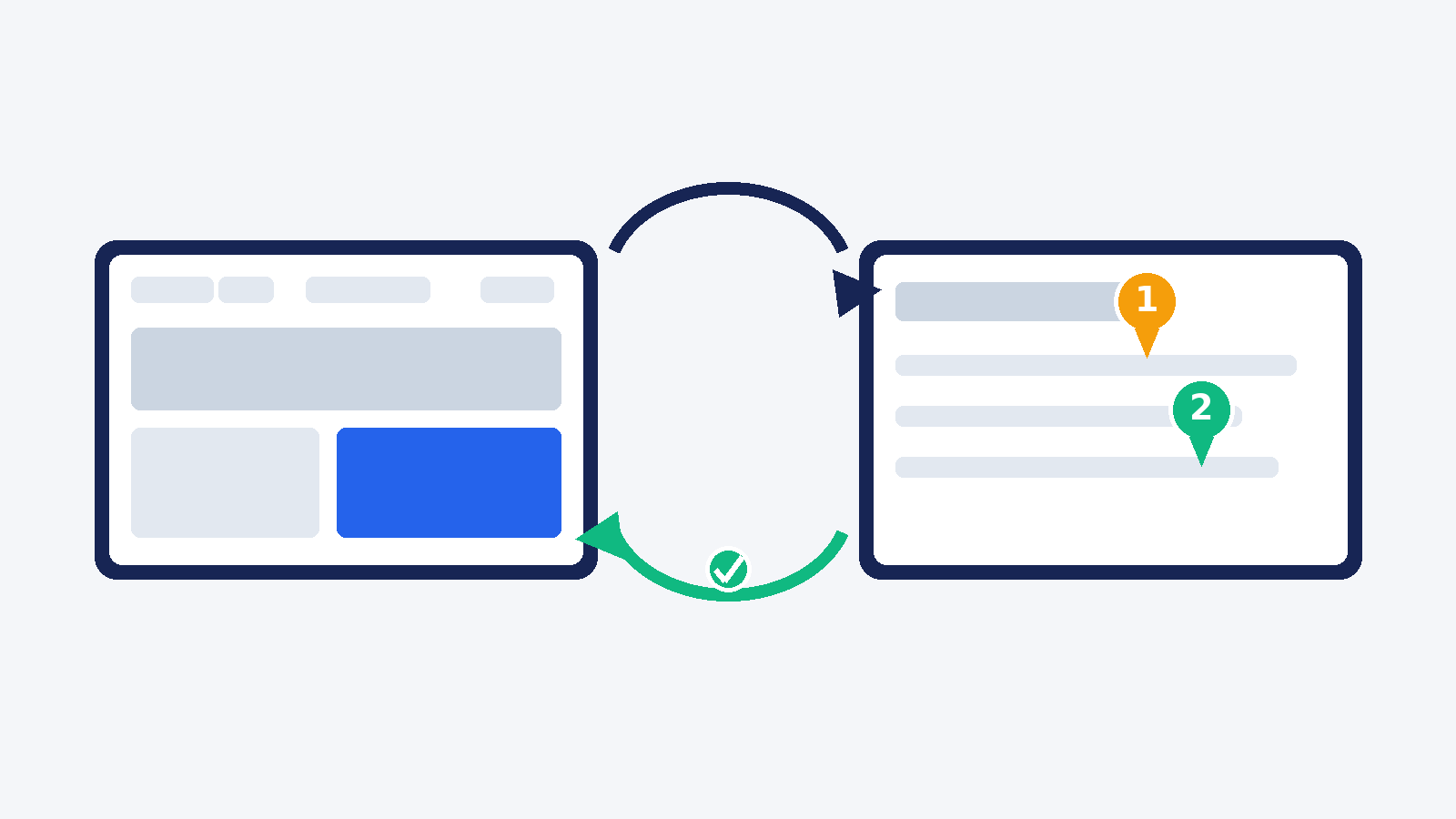
Illustration of two app windows with a round-trip arrow: an authoring canvas on the left, a course review screen with numbered comment pins on the right

Build it in Xogogy, review it in RME: the round trip, built in

Xogogy publishes straight to Review My eLearning from its Publish dialog, and reviewer comments come back into Xogogy, grouped by slide. Here is how the round trip works.

By James Kingsley 20 Nov 2026
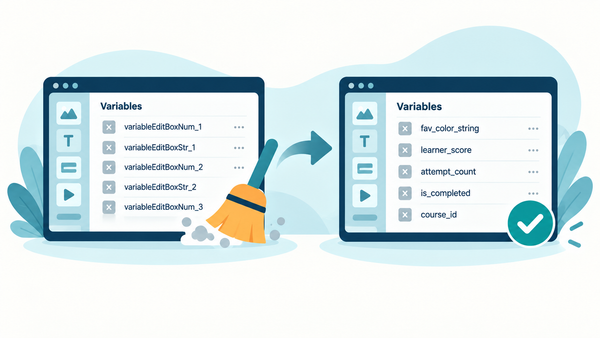
Illustration of a Captivate course variable list before and after cleanup: generic variableEditBox names on the left, meaningful names on the right.

You changed the input variable. Why is the old one still there?

Add an input box in Captivate and it creates variables you can't rename or delete - we kept hitting that wall in our own courses. Authors have complained about variable cleanup since 2013. So we built a free tool that lists, renames and removes them, without your file ever leaving your browser.

By James Kingsley 20 Nov 2026
Flat illustration of a SCORM zip package opening into a course player, with orange review comment pins on its slides.

The only course you have is a SCORM zip. You can still review it.

The Storyline project is gone. The client still wants changes. A zipped SCORM package is enough to run a real review cycle - screen-level comments on the version learners actually see.

By James Kingsley 20 Nov 2026
Flat illustration of an AI assistant chat window with three saved prompts, feeding answers from a course review screen with comment pins.

9 prompts to ask your AI assistant about your course reviews

The review is done. Now answer the real questions in plain English: what is still open, who owes what, what to fix first. Nine prompts for an AI assistant connected to your RME review data.

By James Kingsley 20 Nov 2026
ReviewMyElearning Blog
  • Sign up
Powered by Ghost

ReviewMyElearning Blog

Thoughts, stories and ideas from the team at Review My Elearning